A few months ago, I’ve posted a blog post here about using Godot for broadcast production as the overlay/graphics generator. While having already used it for real broadcast, I’ve always been the one using these tools. They were a bit buggy, bit unstable and were basically held together by my hopes and dreams (and a lot of work).
But since then, I’ve managed to make a software, which is production-ready and kinda user friendly. So without furhter ado,
Meet Questionare.exe
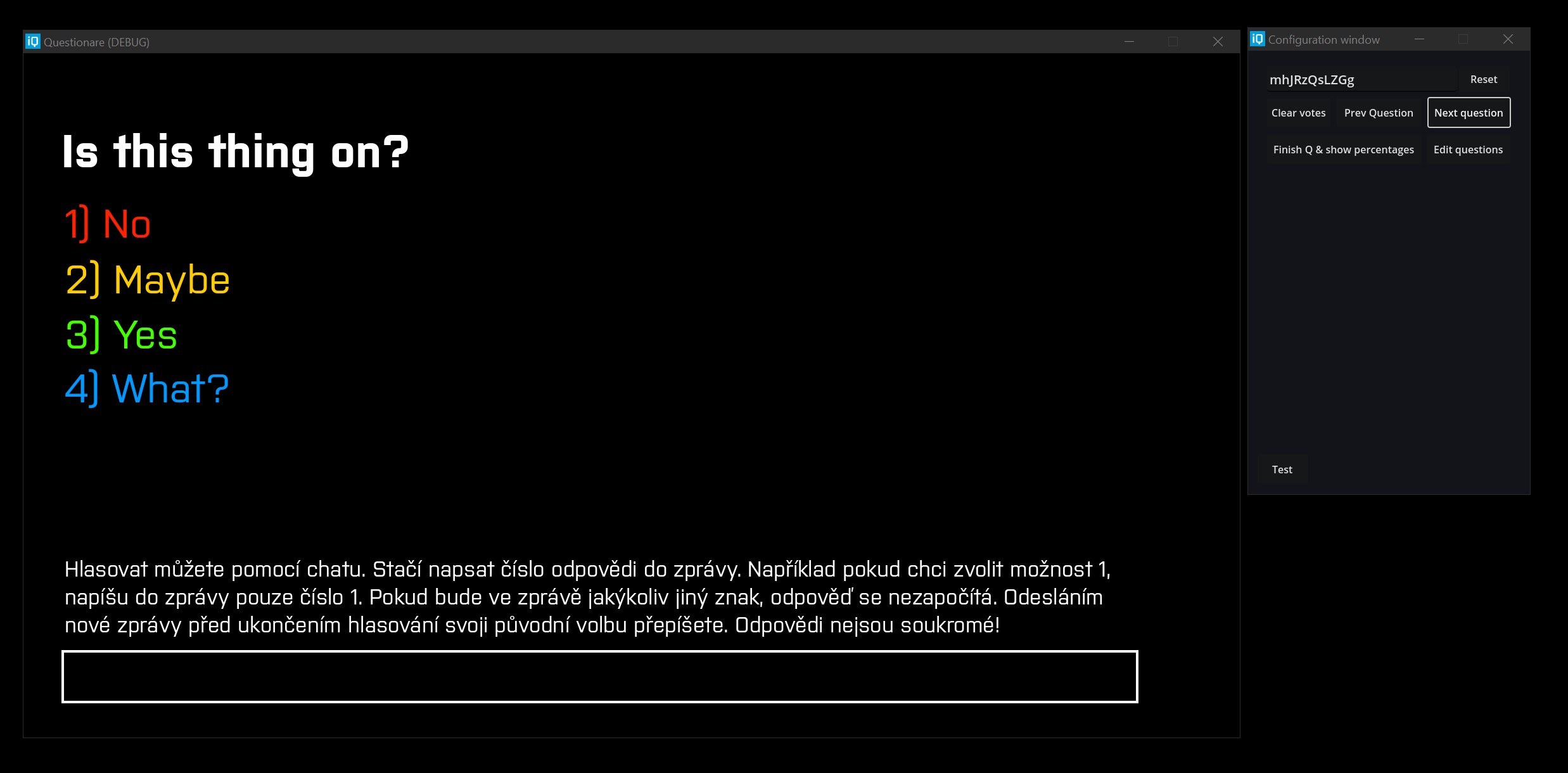
How I see & control the overlay.
Before we continue, I’d like to clarify one thing. You can study this piece of software, you can even use it. But please, clearly state that this is my work. You can also contact me and I’ll hapilly make you your own version. This version was made only for IQLandia
You had already seen Questionare in the previous post. First edition of this software was made for a regular broadcast session on 5. June, 2023. It was written in Java, rendered in FHD and captured by OBS. I’m not even sure whether I still have that source code but it was rought.
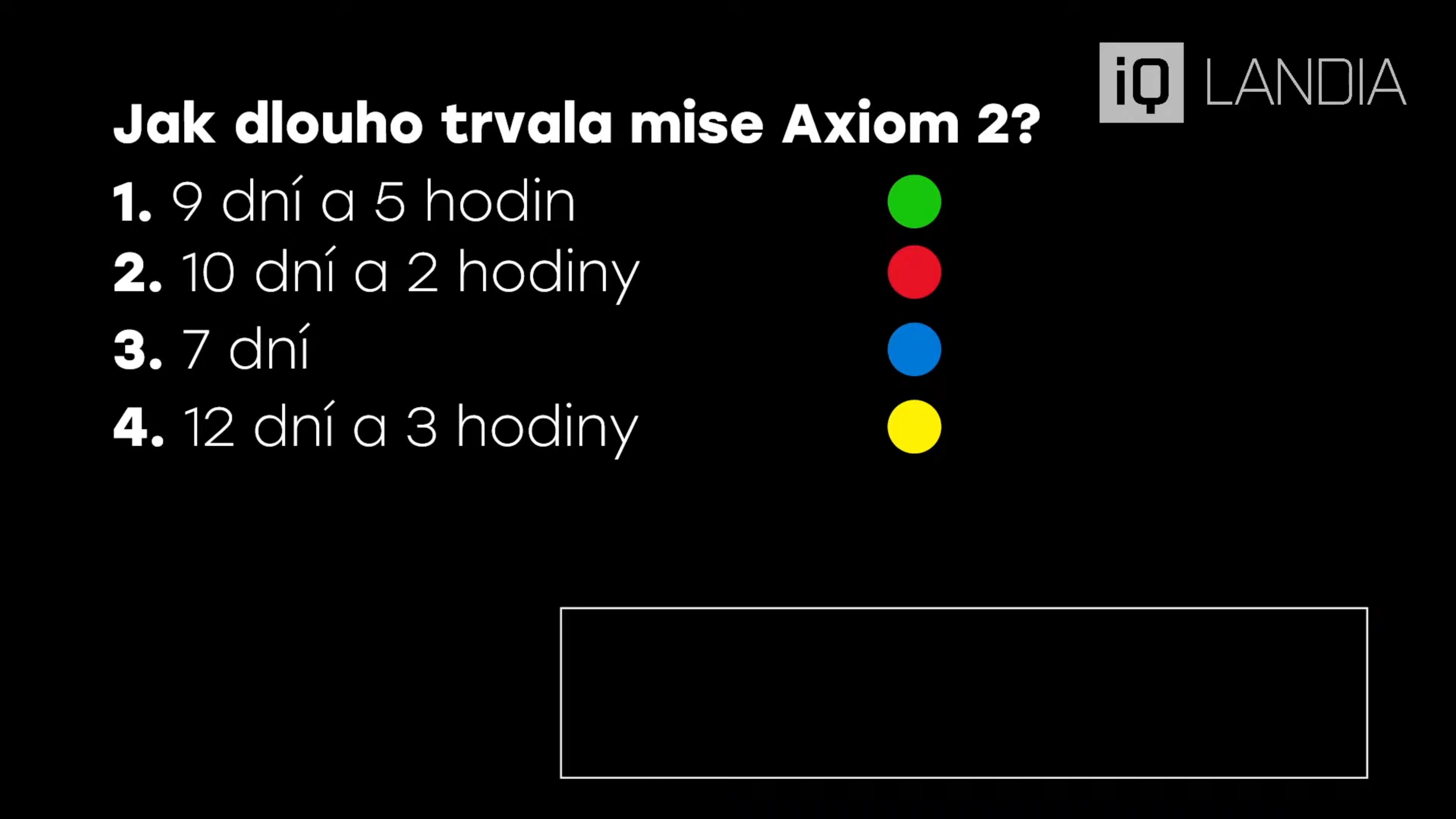
Original Questionare version
I’ve had a lot of trouble with capturing YouTube chat and transmitting it over websocket to the rendering app. It was unstable, but it somehow ended up working during the entire stream.
It would be used again, after a small rewrite on the 10. July, 2023. This time, it looked more similar to the modern version, thanks to the redesign, I did after the last stream.
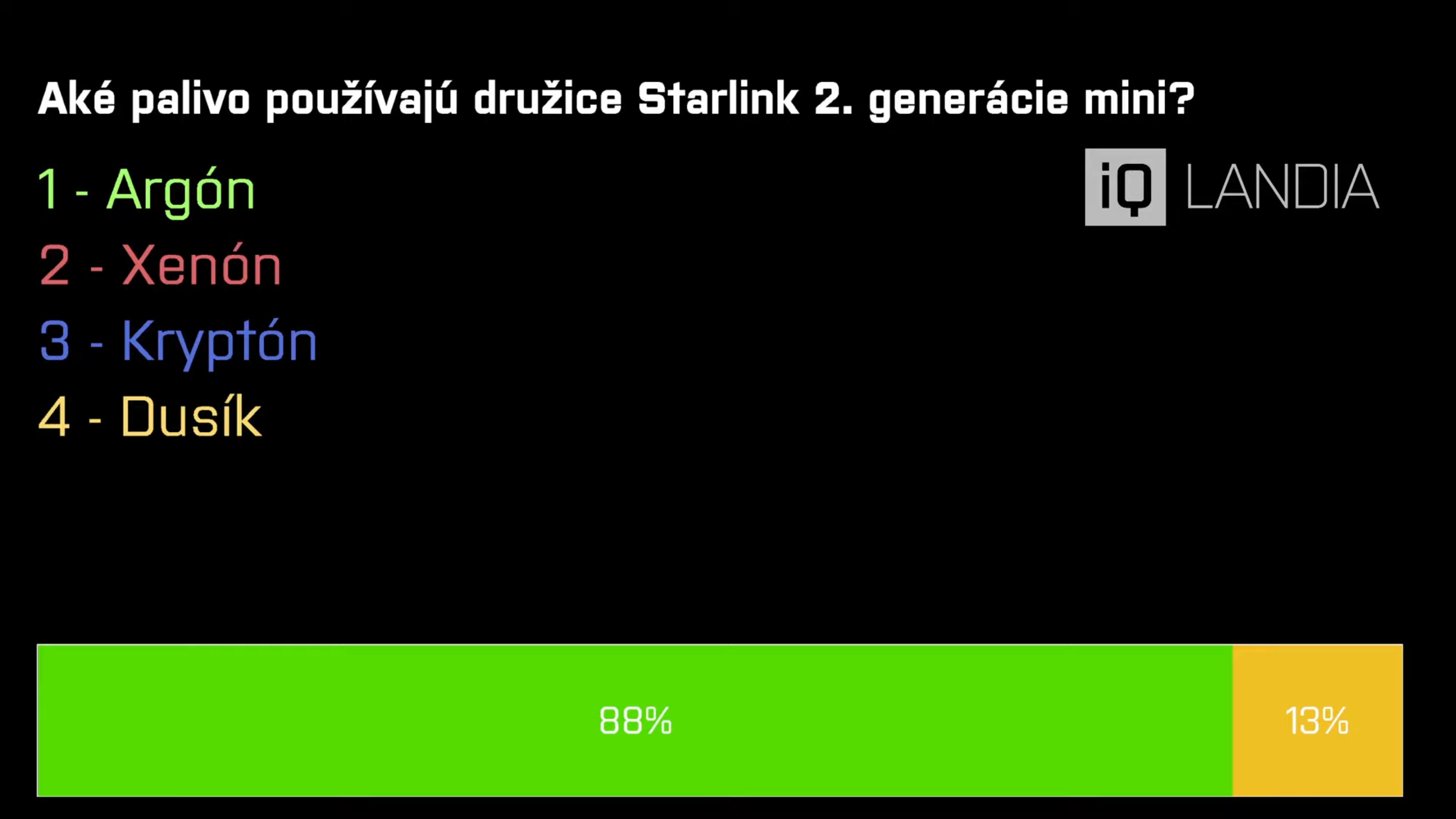
Questionare v0, now with colors!
Yes, the colors were a bit more muted then and this tool was still using the TypeScript module, which I found somewhere and which worked over WebSocket, but it was more stable (thanks to me increasing the idle timeout, stupid bug as always).
The next evolution of this tool would come during the autumn of 2024. I had just recently started playing with Godot and especially with the Mono edition, allowing me to write C# code within Godot’s ecosystem. I was still a bit new in C# so it wasn’t easy to write C#, but I managed to write my first graphics tool for broadcasting, the WeatherStation.
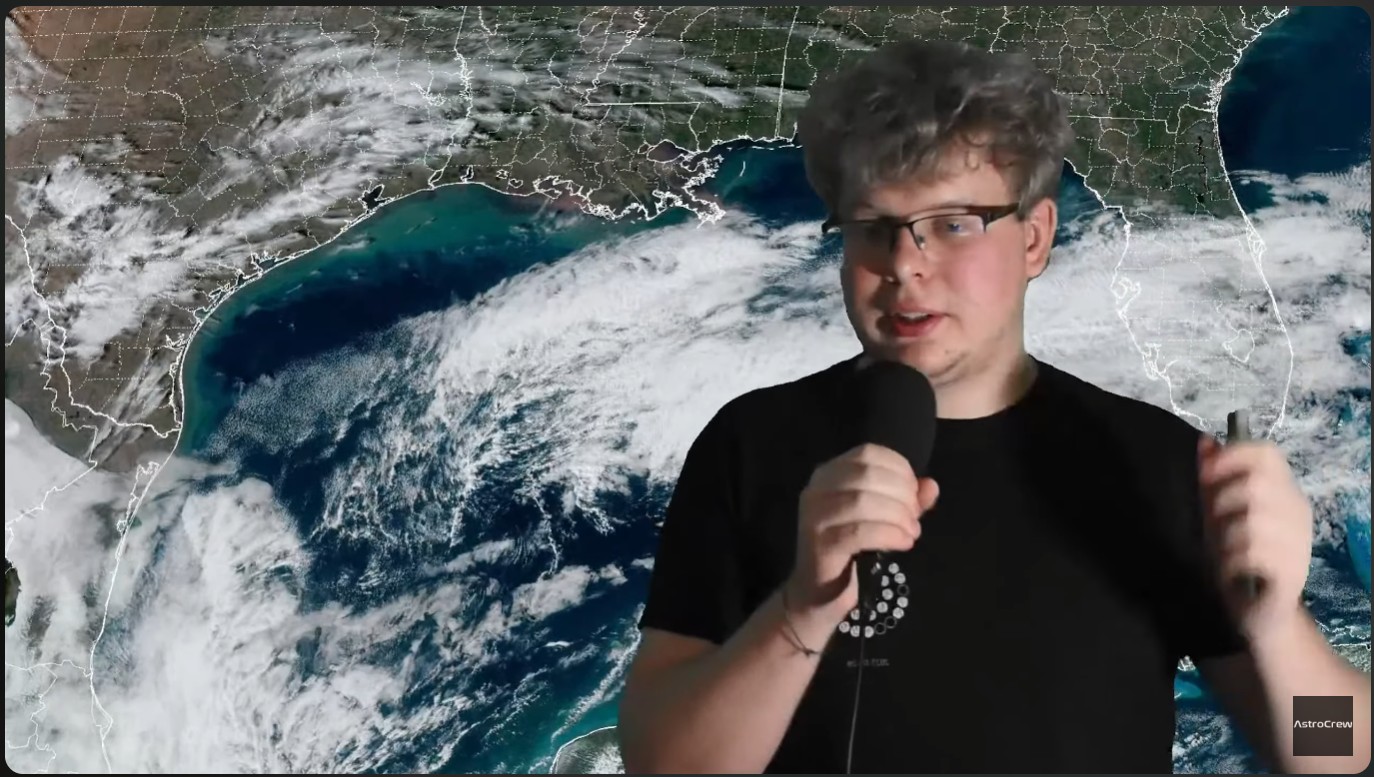
Weatherman IToncek in his natural habitat
While it isn’t entirely related to the Questionare lineup of software, it initiated my switch to Godot for all graphics work.
After this successful attempt, it was time to start working on the Questionare lineup again. This time, I was set to make it usable by Martin, usual moderator for ‘Astronomické události’ (that regular broadcast I mentioned before). It needed to be user friendly and (preferrably) not painful to use. Also it should be one executable, which could be launched without needing a whole setup to do so.
So I set my sight onto rewriting the chat library to C#. It is currently accessible on GitHub and you can add it to your projects. It took about four hours to debug everything (mainly Regex, because it’s Regex), I had working chat inside Godot.
Then, I designed a nice layout using ColorRects and Labels, which stayed almost in the same shape until the end.
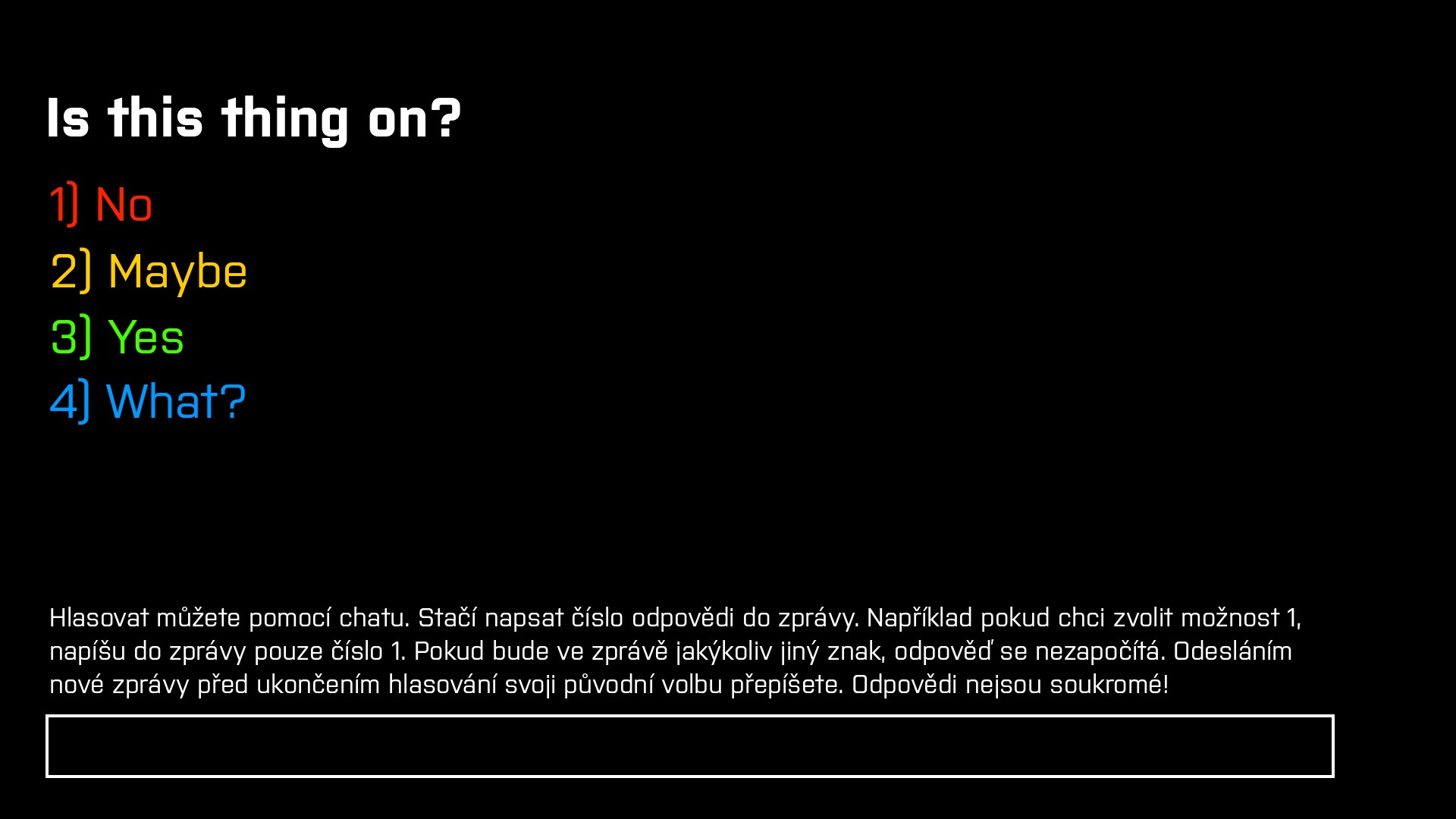
Questionare v1, not yet working but already lookin’ great!
Also, a big addition was the big block of text above the score bar. This explained, for anyone coming to the broadcast, what was happening, how to participate and generally answered a lot of basic questions, our viewers could have.
After I had a basic design, I was ready to move onto the next step. Logic.
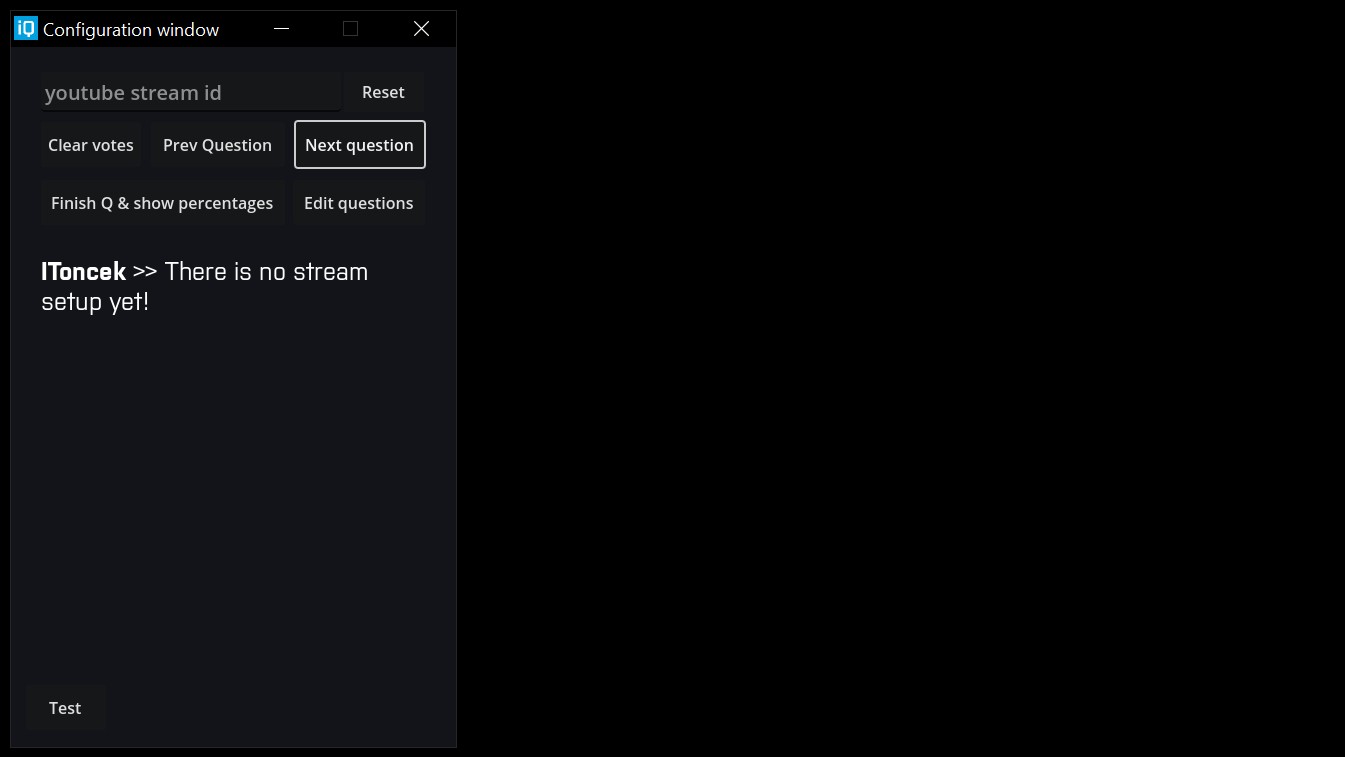
Simple, yet effective, user interface, I made for Questionare
You can put in your stream ID, Reset the chat capturing system and start questioning asking your audience. Nothing really that hard. After everyone has answered, you can just click Finish Question & Show Percentages, which highlights the correct answer and grays out the wrong ones. In the latest edition, you can also see the percentages of people voting for each variant and the number after the question.
Everything is animated, everything is automated. Once you are ready, just click the Next question button and move over to the next one.
The first broadcast using this was made on the 21. July, 2025 [CZ only]. The next one occured a week later, this time without me. This was the first real test of this software in the wild. Even though Martin almost forgot to run this Quiz, everything turned out fine in the end. This was also the first demonstration of the percentages and votes count live on air.
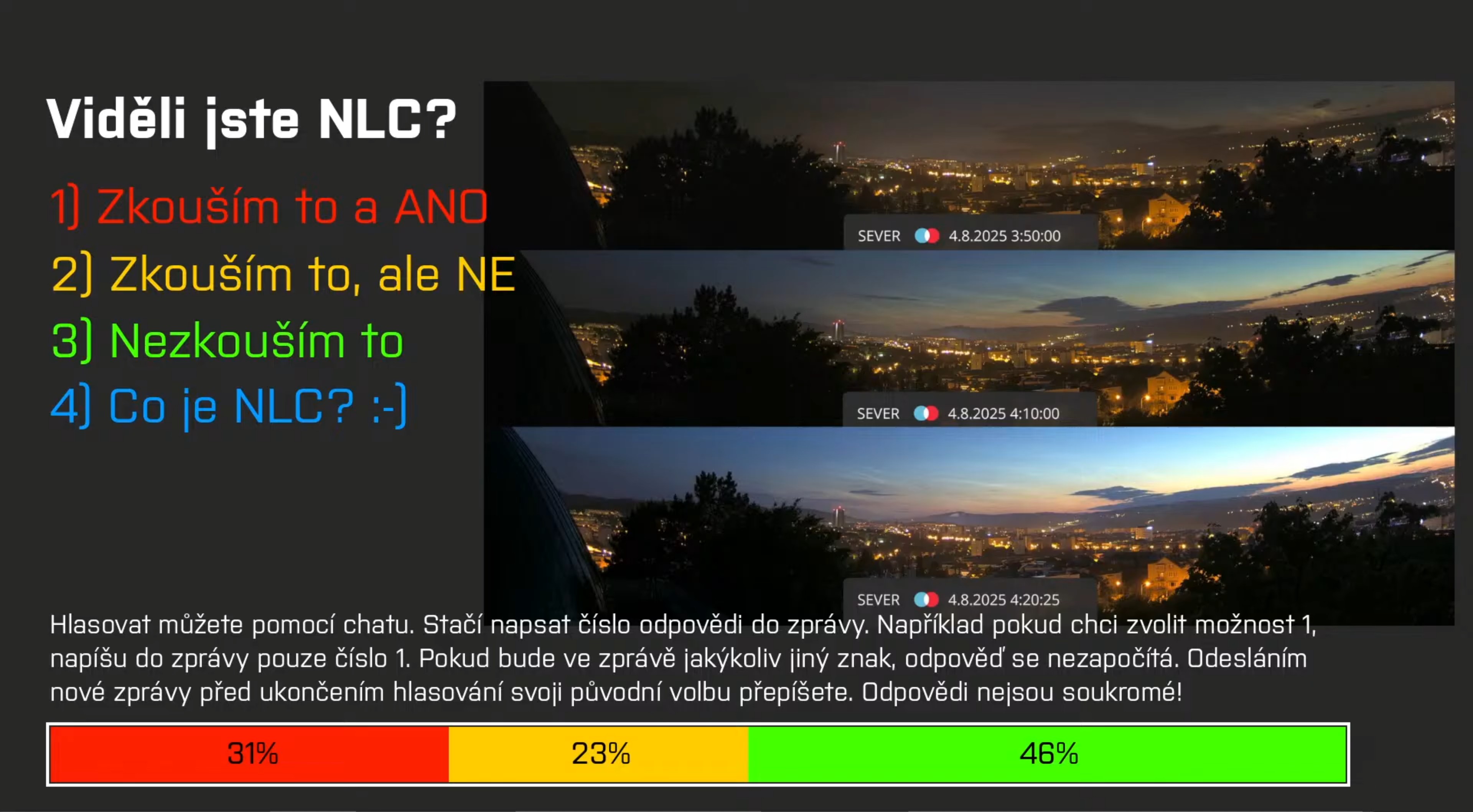
A week after that, we got the first unconventional use of this tool, during a segment, where Martin polled his audience about whether they have seen the noctilucent clouds.
At the time of writing, every stream since the first one has had a segment using this tool, which kinda proves the usefulness of such tools for broadcasts.
What do I have ready for the future?
Definitely there is nothing cooking for the future. As of now, I’m totally leaving this technology and focusing on something more interesting. There is nothing you should get excited for the future and nothing in the works currently. Why would you even ask. This is everything there is to do with these tools.
If you have some idea what should I do, don’t be afraid to hit me up on my socials or through my email, I’ll be happy to make something exciting.
Again, please before using this piece of software for your stuff, please contact me on my socials or through my email. I’ll be happy to make a version just for you but please, don’t use the current version for anything. It is made only for IQLandia and nobody/nothing else.
That’s it for me, see ya!